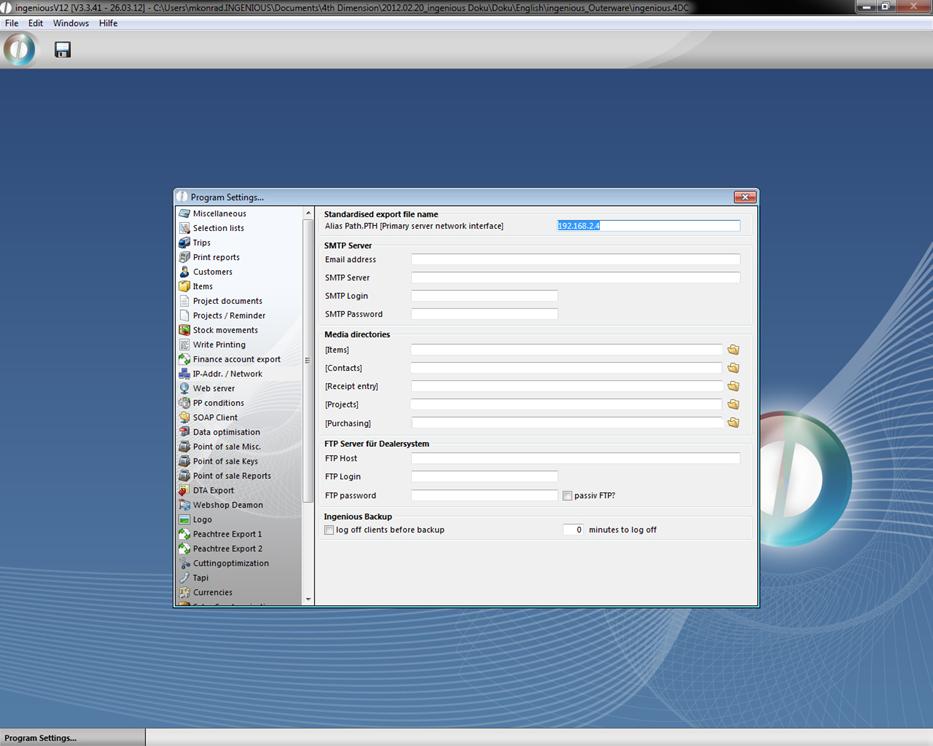
In this area, Ingenious.V12 should be notified under which address the server can be found. This setting should be handled by your network administrator or by an Ingenious.V12 representative. Here the “SMTP server”, the “E-mail address” of the sender, his “SMTP Server” and login data are determined for serial letter functionality. All data entries of the individual modules will be stored in the media directory. With the  button, you reach the standard dialogue window of the file selection in Windows where you can select a folder as a directory.
Retailer system
The retailer system is a interface between the ingenious.V12 basic system (server) and the installed single place version or client/server versions of the retailler to deliver item information and special prices from the producer. The improvement is, that the files are provided via FTP. So the retailer system can be updated automatically.
Configurations settings in the Ingenious.V12 basic system
In order that the retailer system can download the item information / item changes, the FTP connection information have to be entered. The FTP data can be entered in the program settings category “IP-Addr. / Network” of the basic system. Before every item download the data will be transferred to the retailer system.
Execution of the update on the retailer system
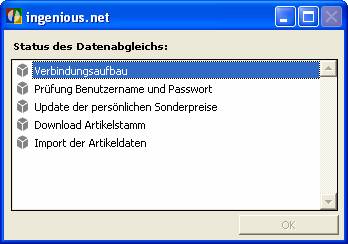
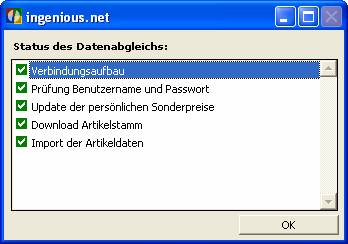
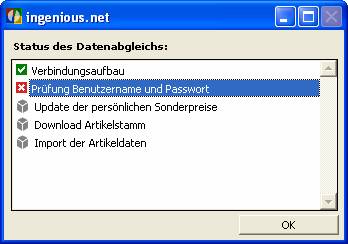
When you start the update function a window will open up, where the current state of the data synchronization is displayed. You can only close the window after a successful or failed update process.